the AI carousel generator that learns your voice.
Nailing AI turns what you already know into Instagram carousels. Put your reels, YouTube videos, PDFs and notes on one canvas, connect the ones that matter, and ask for a carousel: the AI reads those sources and writes and designs a 1080×1350 deck, cover included, in your voice.
No credit cardTurkish + EnglishFree transcripts
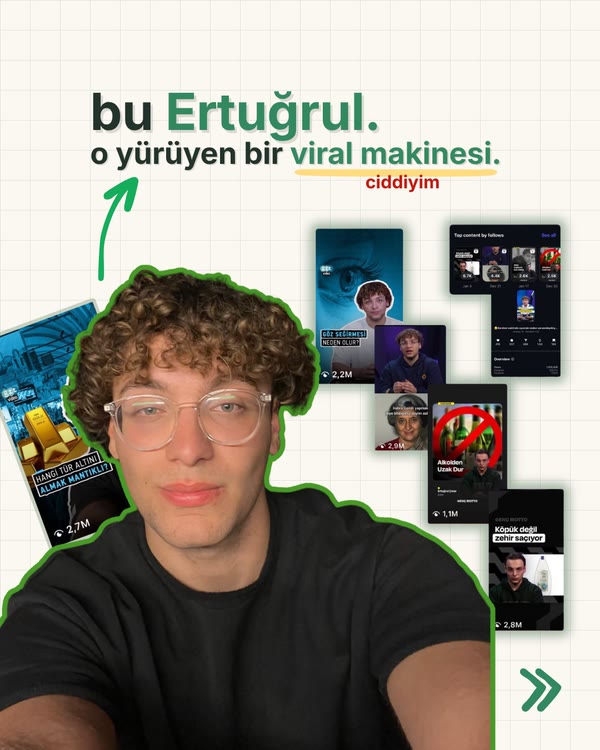
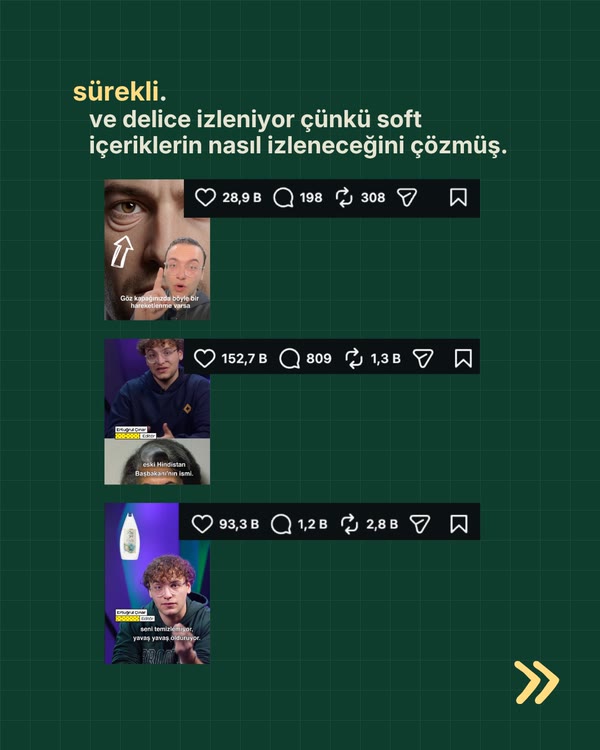
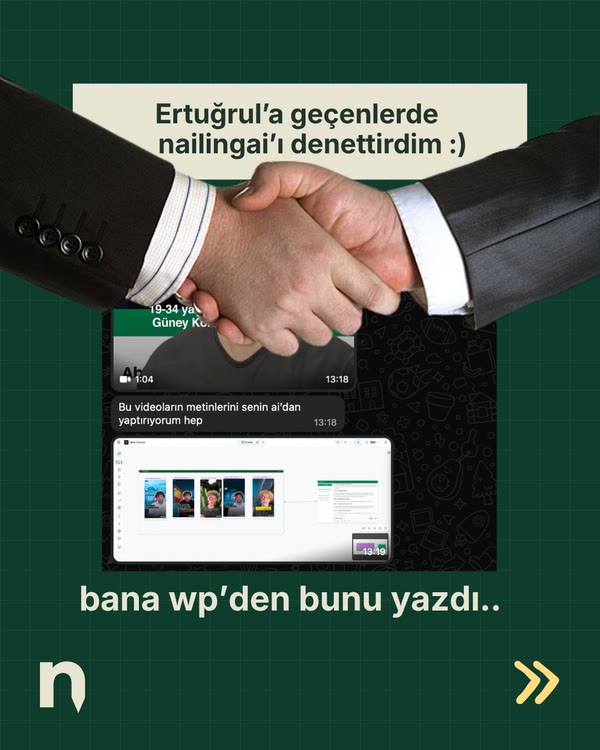
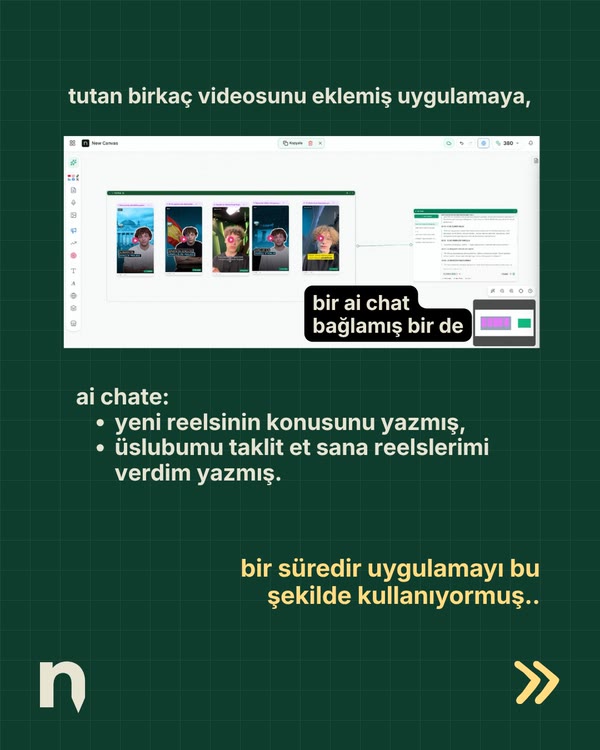
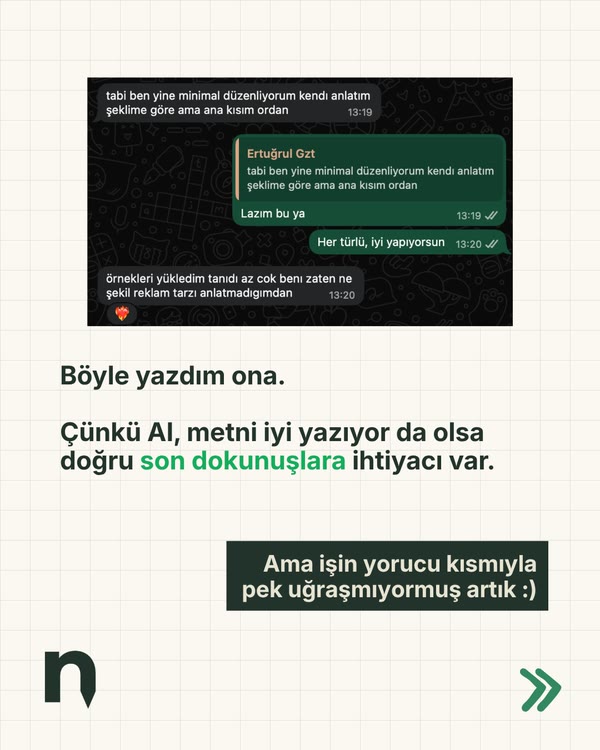
in short.
- What it is
- An AI carousel generator on an infinite canvas: your sources and your carousel live side by side.
- What goes in
- Instagram reels, TikTok and YouTube links, web pages, PDFs, images and your own notes.
- What comes out
- A 1080×1350 carousel of 2 to 20 slides with a cover; single covers and posters too. Download as PNG, or a ZIP for a deck.
- Why it sounds like you
- It writes from the sources you connect, like your own reels and posts. Paid plans add a brand profile built from your posts: tone, phrases you use, do's and don'ts (in beta).
- Languages
- Turkish and English. Built in Istanbul.
- Price
- 250 welcome credits, no card. Transcripts are free. Paid plans from $24 a month.
- Device
- You make things on a computer. On a phone you can read your boards and use the chat.
from your material to a finished deck.
Most carousel generators start from a blank topic. This one starts from what you have already said, filmed and saved.
- Drop your sources on the canvas.A reel you posted, a YouTube video you learned from, a PDF, a web page, a note. Video links come back with a free transcript; Instagram and TikTok videos also get a free scene analysis.
- Connect the ones that matter.Draw a line from a card to the chat. Connected means in scope: the AI reads exactly those sources, by name.
- Ask for the carousel.Say what it is about and who it is for. The AI writes the slides and designs the deck, cover first, in the 1080×1350 Instagram format.
- Change it by saying so.Tell the AI which line, page or cover to change and it redraws that part. The deck stays on the canvas next to the sources it came from.
it reads you before it writes.
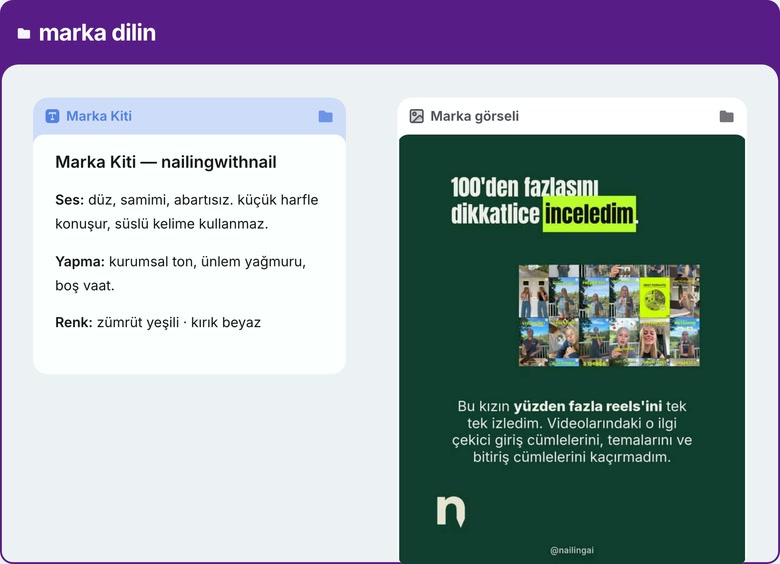
A carousel sounds generic when the tool knows nothing about you. On the canvas, your own reels and posts, the accounts you watch and your notes sit next to the carousel you are making. Connect them and the AI works from them: your words, your examples, your angle.
On paid plans, Nailing AI also keeps a brand profile for you (in beta), built from your recent posts: how you speak and write, your tone, the phrases you actually use (each linked to the post it came from) and the things you never say.
a reel becomes a deck.
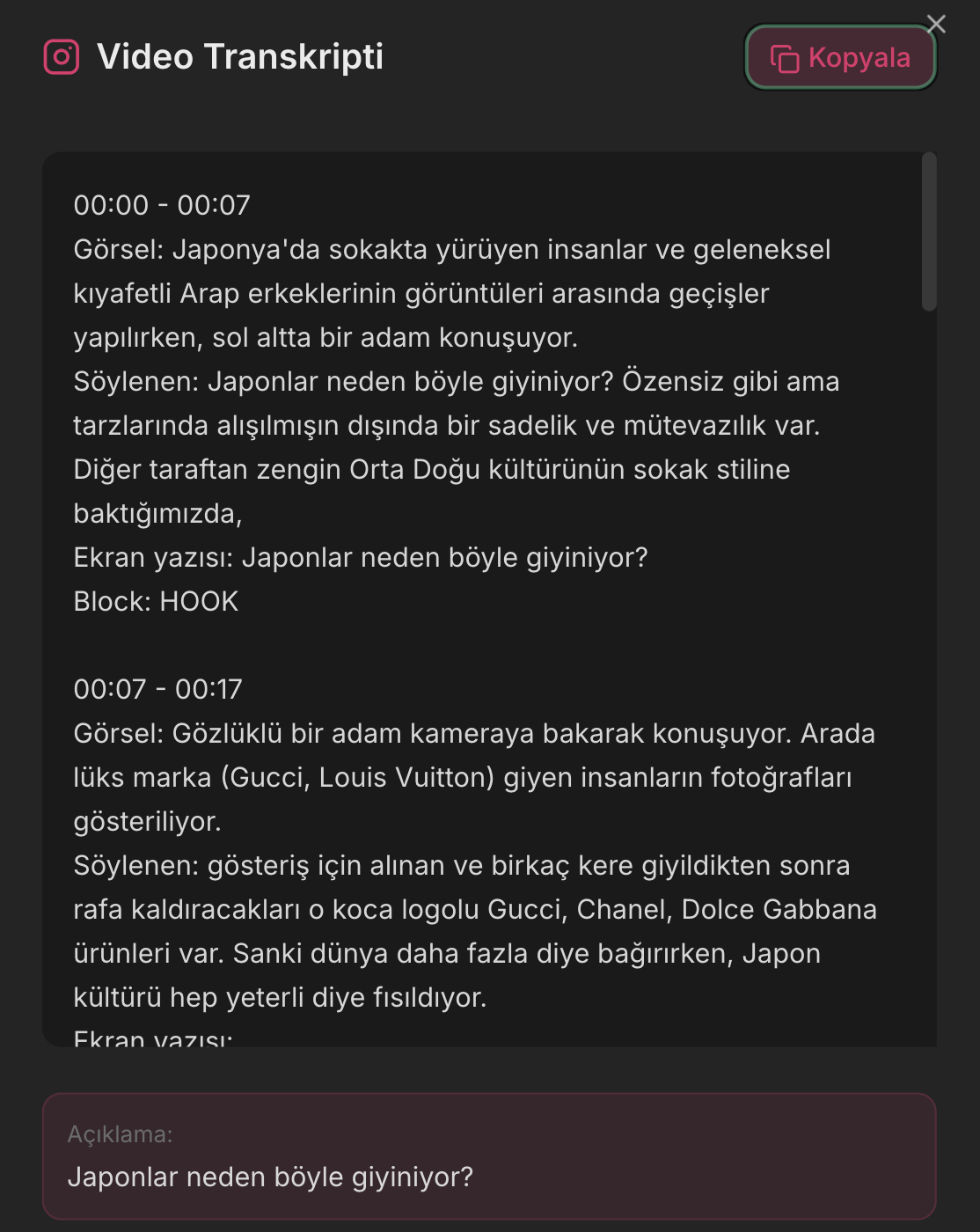
Drop a reel or a TikTok and the transcript and scene analysis come out for free: what is said, what is shown and the text on screen, line by line with timestamps. A YouTube link gets its transcript for free too.
Connect it and ask for a carousel. The strongest points of a two-minute video turn into slides you can post, without typing out a single quote.
start from a carousel you liked.
Add a carousel you admire as a reference and connect it to the chat. Its layout, palette and type are measured, and your deck is designed in that style. Its words are blanked before the writing starts, so you borrow the look, never the text.
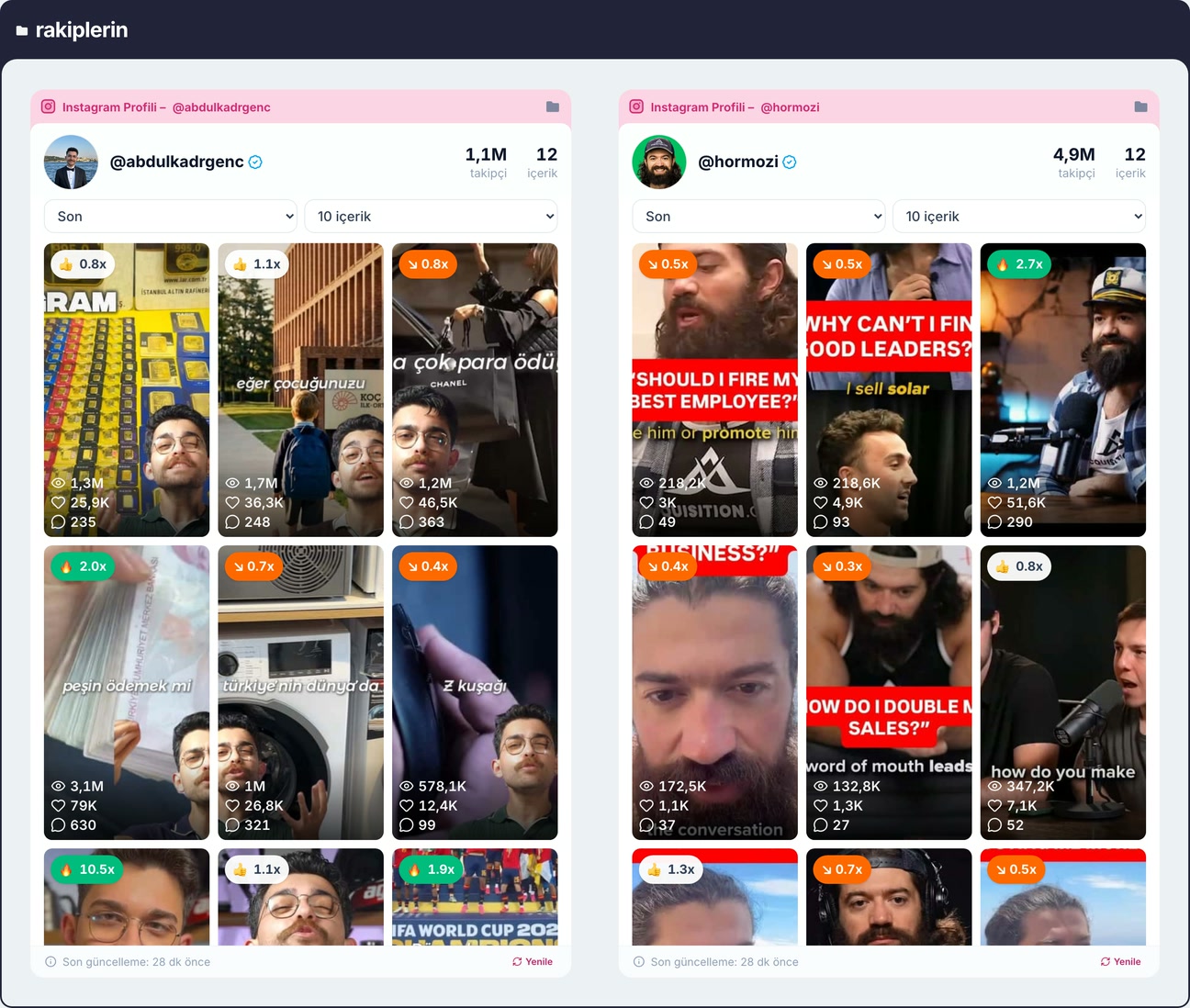
On paid plans, a competitor analysis goes further: add up to three accounts and it breaks their most-watched reels down by hook and psychological trigger, then suggests hooks in your voice that you have not tried yet.
template tool or content brain?
Three common ways to make an AI carousel, and what each one can actually read.
| Nailing AI | Template carousel generator | Chatbot + design app | |
|---|---|---|---|
| Starts from | Your reels, videos, PDFs and notes | A topic or a URL | A prompt, then a separate design step |
| Reads your own content | ✓ yes | partly | partly |
| Transcribes video links | Free: Instagram, TikTok, YouTube | Some | Some |
| Designs the slides | ✓ yes | ✓ yes | In a second tool |
| Sources stay next to the result | ✓ yes | — no | — no |
| Turkish interface | ✓ yes | Varies | Varies |
Categories, not brands. For named comparisons see Nailing AI vs Canva and the best AI carousel generators of 2026.
asked often.
What is the best AI carousel generator for Instagram?
It depends on what you start from. If you start from a topic and want a quick branded template, template generators are fast. If you start from your own material (your reels, videos, notes, PDFs) and want the carousel to sound like you, Nailing AI is built for that: it reads the sources you connect on a canvas and writes and designs the deck from them.
Can an AI carousel generator write in my voice?
Only if it can read you. In Nailing AI, the AI reads the sources you connect on the canvas before it writes, so connecting your own reels and posts puts your words in front of it. On paid plans it also keeps a brand profile (in beta) built from your recent posts: how you speak and write, your tone, the phrases you actually use and your do's and don'ts.
What size are the carousels?
1080×1350, the Instagram portrait format, from 2 to 20 slides. Every deck starts with a cover; a closing call-to-action slide is added when you ask for one.
Can I turn a reel or a YouTube video into a carousel?
Yes. Drop the link on the canvas: the transcript comes out for free, and a reel or a TikTok also gets a free scene analysis (what is shown and the text on screen). Connect that card to the chat and ask for a carousel; the AI builds the deck from what was said in the video.
How do I change a slide?
You tell the AI what to change, for example a line, a page or the cover, and it redraws that part of the deck. There is no manual slide editor: every change goes through the AI.
Can I copy the style of a carousel I like?
Yes. Add the carousel as a reference and connect it to the chat: its layout, palette and type are measured and your deck is designed in that style. Its wording never reaches your copy; the reference text is blanked before writing starts, so you get the look, not someone else's words.
Does it post to Instagram for me?
No. Nailing AI makes the carousel; you download it (a single image as PNG, a full deck as a ZIP of PNGs) and post it yourself or through the scheduler you already use.
Does it write carousels in Turkish?
Yes. The app is available in Turkish and English and it is built in Istanbul. It writes in the language you ask for.
Is it free?
You start with 250 welcome credits, once, with no credit card. Transcripts and scene analysis are free. Images made on the free plan carry a small Nailing.AI watermark; paid plans remove it and add brand profiles. Plans start at $24 a month, and yearly plans can be refunded in full within 14 days.
keep reading.
AI content generator that learns your voice
Your brand language, your content and your competitors on one canvas, so the writing sounds like you.
read →Recreate winning content
Take the structure behind a reel or carousel that works and rebuild it in your own voice.
read →Best AI carousel generators 2026
Nine tools for Instagram carousels, compared by what each one is for.
read →